AI is now showing up across the whole UI/UX process, not just at the screen-generation stage. It can summarize research, sketch flows, generate interfaces, test concepts, predict attention, and structure websites. The useful question is where AI saves judgment-free effort without replacing the judgment you still need.
Key Takeaways
- Dovetail is the strongest pick for research synthesis, customer evidence, and turning qualitative data into product insight.
- Figma Make is the strongest pick for turning design context into functional prototypes and web experiences.
- Google Stitch is the strongest pick for AI-native UI generation, exploration, and design-agent workflows.
- Maze is the strongest pick for remote user testing, prototype validation, and rapid research.
- Attention Insight is the strongest pick for predictive visual-attention analysis before running live eye-tracking studies.
Where AI Fits in the UI/UX Lifecycle
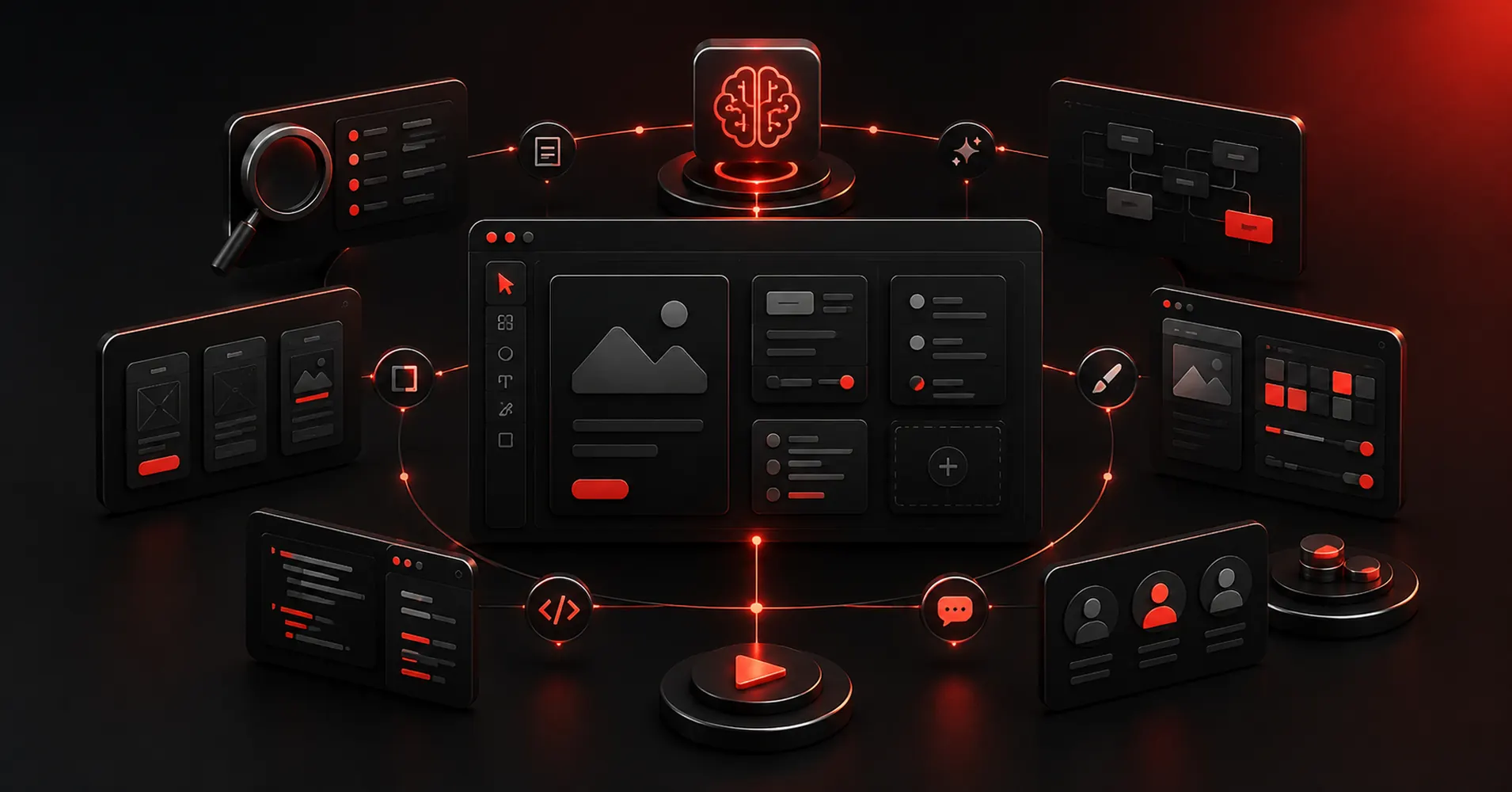
AI is most useful where the task is repetitive, compressible, or easy to verify: summarizing interviews, generating structural variations, filling first-pass layouts, creating test plans, or scanning visual hierarchy. Keep human judgment for problem framing, prioritization, ethics, tradeoffs, and deciding whether the interface actually makes sense.
The Rule: Automate Assembly, Keep Judgment
- Research support
- Structure generation
- UI generation
- Prototype/test support
- Visual analysis
- Human review burden
Quick Comparison
| Tool | Best For | Biggest Strength | Watch Out For |
|---|---|---|---|
| Dovetail | Research synthesis, customer evidence, and turning qualitative data into product insight | For UX teams, this matters because better screens usually start with better evidence. | It does not replace a design or prototyping tool. |
| Figma Make | Turning design context into functional prototypes and web experiences | The strongest reason to choose it is continuity. | It makes the most sense inside a Figma-heavy workflow. |
| Google Stitch | Ai-native ui generation, exploration, and design-agent workflows | The strongest reason to use Stitch is exploration with an AI agent that understands the artifact as design context, not just an image. | It is still changing quickly. |
| Maze | Remote user testing, prototype validation, and rapid research | The real value is cadence. | The platform does not create the design itself. |
| Attention Insight | Predictive visual-attention analysis before running live eye-tracking studies | It is useful for catching obvious hierarchy problems: a CTA that disappears, a hero image that steals all attention, or a pricing layout whose visual weight is fighting the intended path. | A predictive heatmap is not user research and does not tell you whether people understand the content or can complete a task. |
| Uizard | Quick editable ui concepts for designers and non-designers | It is particularly useful when the person shaping the product idea is not a full-time UI designer. | The ceiling is lower than Figma, Sketch, or a code-backed builder when you need a large design system, advanced interactions, or highly specific production handoff. |
| Relume | Ai-assisted website sitemaps, wireframes, component-driven page planning, and export | The structure-first approach is the reason to use it. | It is not the tool for native app design or deeply custom interaction logic. |
1. Dovetail: Best for Research synthesis, customer evidence,
Product: Dovetail
Dovetail sits upstream of the UI canvas. It helps teams organize interviews, feedback, notes, and research, then use AI-assisted analysis to find themes and make evidence easier to reuse across product decisions.
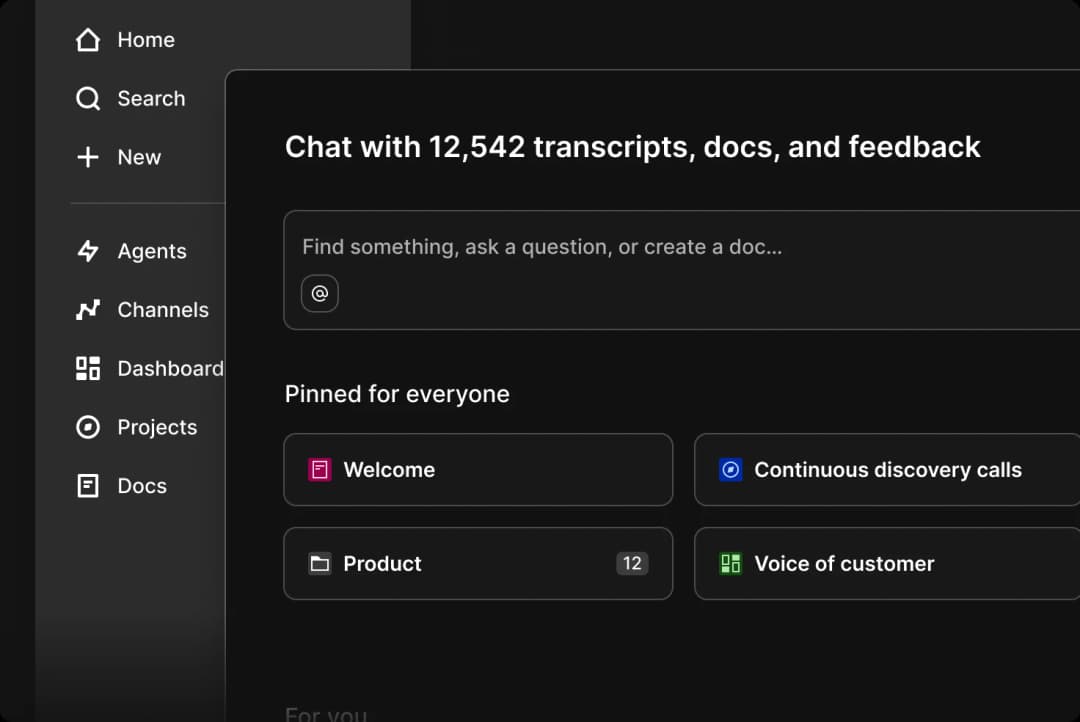
Dovetail fits the lifecycle where the team needs research synthesis, customer evidence, and turning qualitative data into product insight. AI is useful here when it compresses assembly or analysis without hiding the evidence behind the decision.
For UX teams, this matters because better screens usually start with better evidence. Dovetail gives research a home that is more durable than scattered docs, meeting notes, and one-off presentation slides.
Where it fits best
Use Dovetail when research synthesis, customer evidence, and turning qualitative data into product insight. It is particularly useful when that need is already visible in your current workflow and the team can measure whether the tool actually removes a handoff, shortens iteration, or improves the quality of the artifact.
The tradeoff
It does not replace a design or prototyping tool. Its job is to improve the quality and traceability of the decisions that feed those tools.
Current context: Dovetail positions AI-assisted analysis as part of its customer-research and insights platform for product teams. Source
Image placement: Use a current in-product interface image showing Dovetail doing the job described above. Filename: best-ai-ui-ux-tools-dovetail.webp. Keep WebP under 100 KB.
2. Figma Make: Best for Turning design context into functional prototypes
Product: Figma Make
Figma Make sits unusually close to the rest of the product-design workflow. You can start from a prompt, attach an existing Figma frame or design context, iterate visually, and move toward a code-backed interactive result without abandoning the design file.
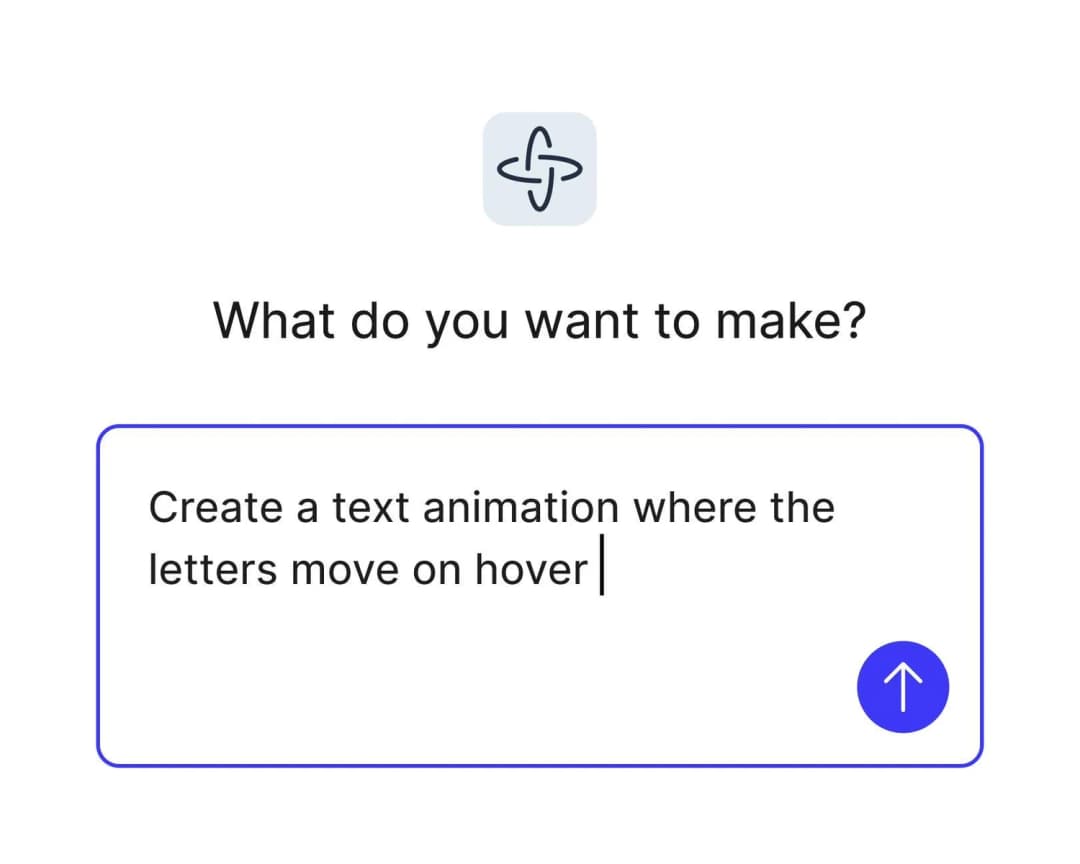
Figma Make fits the lifecycle where the team needs turning design context into functional prototypes and web experiences. AI is useful here when it compresses assembly or analysis without hiding the evidence behind the decision.
The strongest reason to choose it is continuity. Teams already using Figma can keep components, feedback, design context, and prototyping closer together instead of exporting an early idea into a completely separate AI builder.
Where it fits best
Use Figma Make when turning design context into functional prototypes and web experiences. It is particularly useful when that need is already visible in your current workflow and the team can measure whether the tool actually removes a handoff, shortens iteration, or improves the quality of the artifact.
The tradeoff
It makes the most sense inside a Figma-heavy workflow. If your team wants a standalone AI builder, a code-first IDE experience, or an open-source design stack, other options can feel less opinionated.
Current context: Figma says its 2026 State of the Designer research found 72% of designers now use generative AI, and 91% of designers who increased AI usage say it improves output quality. Source
Image placement: Use a current product workflow image showing Figma Make doing the job described above. Filename: best-ai-ui-ux-tools-figma-make.webp. Keep WebP under 100 KB.
3. Google Stitch: Best for Ai-native ui generation, exploration,
Product: Google Stitch
Google Stitch has evolved into an AI-native design canvas rather than a simple prompt-to-screen experiment. Its 2026 updates added an infinite canvas, high-fidelity UI generation from natural language and visual context, design agents, instant prototyping, DESIGN.md, and developer-facing MCP and SDK workflows.
Google Stitch fits the lifecycle where the team needs AI-native UI generation, exploration, and design-agent workflows. AI is useful here when it compresses assembly or analysis without hiding the evidence behind the decision.
The strongest reason to use Stitch is exploration with an AI agent that understands the artifact as design context, not just an image. It is increasingly useful as a bridge between early interface ideas and downstream code-oriented tools.
Where it fits best
Use Google Stitch when AI-native UI generation, exploration, and design-agent workflows. It is particularly useful when that need is already visible in your current workflow and the team can measure whether the tool actually removes a handoff, shortens iteration, or improves the quality of the artifact.
The tradeoff
It is still changing quickly. Teams that need a long-established enterprise design-system workflow may prefer Figma or an established code-aware platform until their Stitch process is proven.
Current context: Google’s March 2026 Stitch update introduced an AI-native infinite canvas, design agents, instant prototypes, DESIGN.md, MCP, and SDK access. Source
Image placement: Use a current in-product interface image showing Google Stitch doing the job described above. Filename: best-ai-ui-ux-tools-google-stitch.webp. Keep WebP under 100 KB.
4. Maze: Best for Remote user testing, prototype validation,
Product: Maze
Maze helps teams test prototypes and product experiences with users without turning every study into a fully moderated research project. It supports prototype testing, surveys, usability research, and analysis workflows that product teams can repeat frequently.
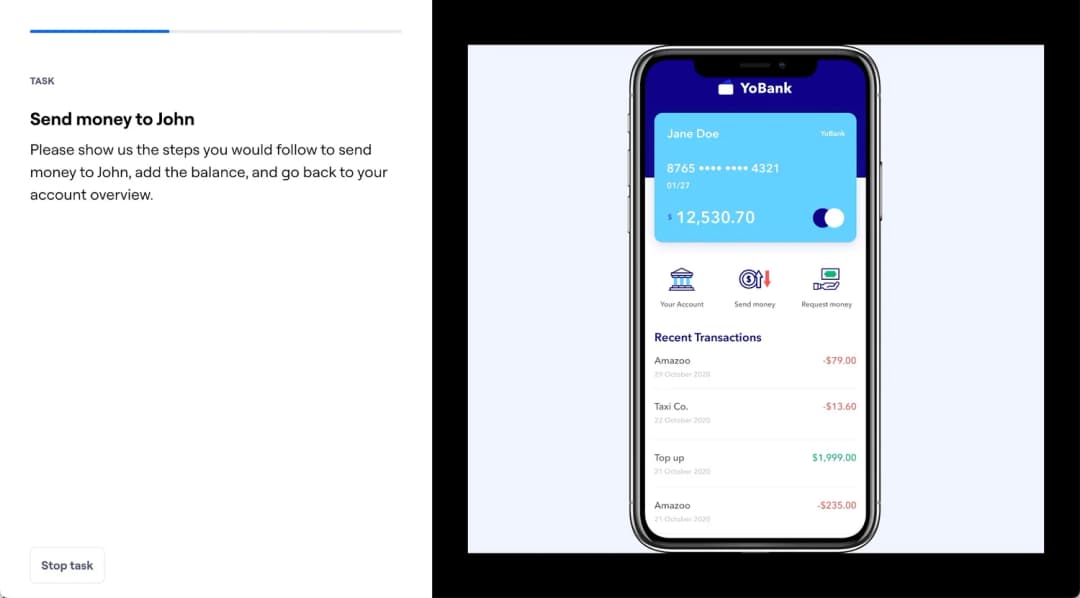
Maze fits the lifecycle where the team needs remote user testing, prototype validation, and rapid research. AI is useful here when it compresses assembly or analysis without hiding the evidence behind the decision.
The real value is cadence. Teams can test smaller decisions more often instead of saving research for the end of a project when changing direction is expensive.
Where it fits best
Use Maze when remote user testing, prototype validation, and rapid research. It is particularly useful when that need is already visible in your current workflow and the team can measure whether the tool actually removes a handoff, shortens iteration, or improves the quality of the artifact.
The tradeoff
The platform does not create the design itself. The quality of the test still depends on a clear research question, representative participants, and a prototype that reflects what you actually need to learn.
Current context: Maze focuses on continuous product discovery and supports prototype testing alongside other remote research methods. Source
Image placement: Use a current product workflow image showing Maze doing the job described above. Filename: best-ai-ui-ux-tools-maze.webp. Keep WebP under 100 KB.
5. Attention Insight: Best for Predictive visual-attention analysis before running live eye-tracking studies
Product: Attention Insight
Attention Insight uses predictive attention models to estimate where users are likely to look on a page or interface. Designers can use heatmaps and related visual-attention signals as an early diagnostic before committing to more expensive testing.
Attention Insight fits the lifecycle where the team needs predictive visual-attention analysis before running live eye-tracking studies. AI is useful here when it compresses assembly or analysis without hiding the evidence behind the decision.
It is useful for catching obvious hierarchy problems: a CTA that disappears, a hero image that steals all attention, or a pricing layout whose visual weight is fighting the intended path.
Where it fits best
Use Attention Insight when predictive visual-attention analysis before running live eye-tracking studies. It is particularly useful when that need is already visible in your current workflow and the team can measure whether the tool actually removes a handoff, shortens iteration, or improves the quality of the artifact.
The tradeoff
A predictive heatmap is not user research and does not tell you whether people understand the content or can complete a task. Use it as a signal, not as proof.
Current context: Attention Insight positions its AI heatmaps as predictive attention analysis for websites, ads, and interface designs. Source
Image placement: Use a current in-product interface image showing Attention Insight doing the job described above. Filename: best-ai-ui-ux-tools-attention-insight.webp. Keep WebP under 100 KB.
6. Uizard: Best for Quick editable ui concepts for designers
Product: Uizard
Uizard is built around getting from an idea to an editable interface quickly. Autodesigner can generate multi-screen app or website mockups from plain English, and the same workspace supports themes, screenshots-to-editable-design, components, flows, and interactive previews.
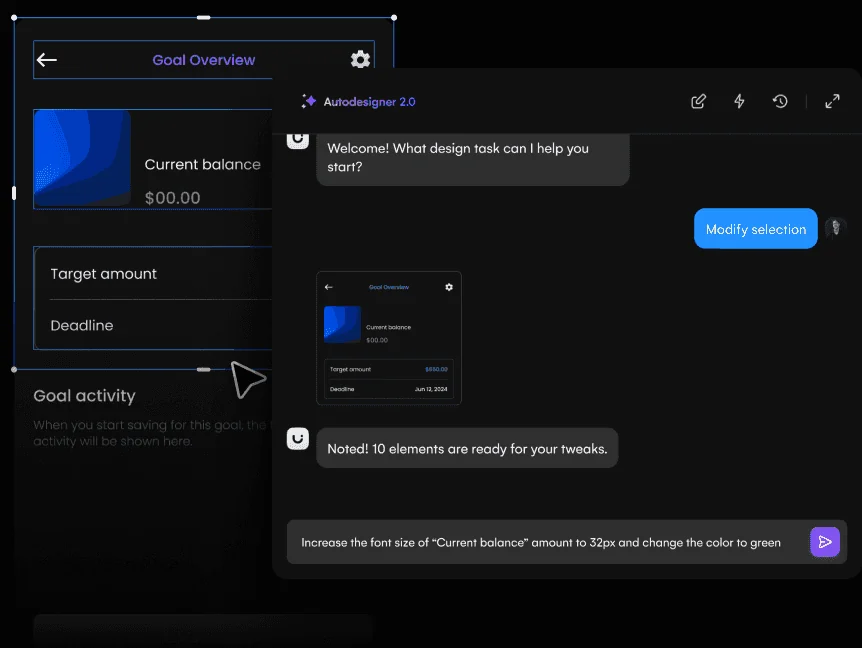
Uizard fits the lifecycle where the team needs quick editable UI concepts for designers and non-designers. AI is useful here when it compresses assembly or analysis without hiding the evidence behind the decision.
It is particularly useful when the person shaping the product idea is not a full-time UI designer. Product managers, founders, marketers, and early-stage teams can produce something concrete without learning a dense professional design environment first.
Where it fits best
Use Uizard when quick editable UI concepts for designers and non-designers. It is particularly useful when that need is already visible in your current workflow and the team can measure whether the tool actually removes a handoff, shortens iteration, or improves the quality of the artifact.
The tradeoff
The ceiling is lower than Figma, Sketch, or a code-backed builder when you need a large design system, advanced interactions, or highly specific production handoff.
Current context: Uizard describes Autodesigner as an AI system that generates multi-screen app and website mockups from plain-English prompts. Source
Image placement: Use a current product workflow image showing Uizard doing the job described above. Filename: best-ai-ui-ux-tools-uizard.webp. Keep WebP under 100 KB.
7. Relume: Best for Ai-assisted website sitemaps, wireframes, component-driven page planning,
Product: Relume
Relume is focused on websites rather than general-purpose app UI. It can turn a website brief into a sitemap and structured wireframes, then move those sections into a component system that connects well with Figma and Webflow-oriented workflows.
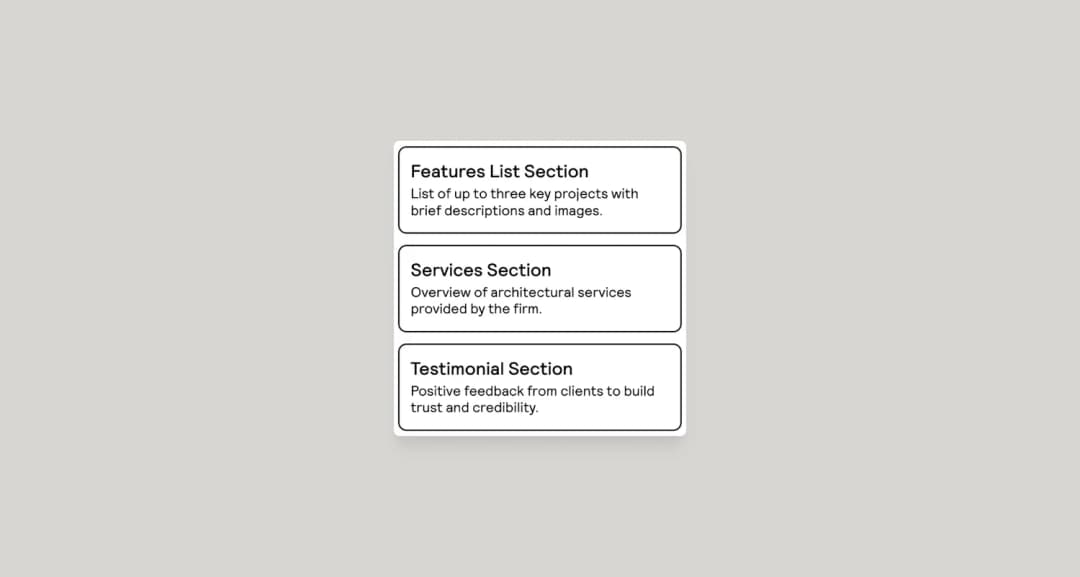
Relume fits the lifecycle where the team needs AI-assisted website sitemaps, wireframes, component-driven page planning, and export. AI is useful here when it compresses assembly or analysis without hiding the evidence behind the decision.
The structure-first approach is the reason to use it. It encourages teams to settle page inventory, section order, and content architecture before getting lost in visual details.
Where it fits best
Use Relume when AI-assisted website sitemaps, wireframes, component-driven page planning, and export. It is particularly useful when that need is already visible in your current workflow and the team can measure whether the tool actually removes a handoff, shortens iteration, or improves the quality of the artifact.
The tradeoff
It is not the tool for native app design or deeply custom interaction logic. Its strongest workflows are marketing sites, content sites, agency work, and repeatable website production.
Current context: Relume has been testing a 2026 Publish workflow that extends its sitemap-and-component model toward a hosted end-to-end website workflow. Source
Image placement: Use a current in-product interface image showing Relume doing the job described above. Filename: best-ai-ui-ux-tools-relume.webp. Keep WebP under 100 KB.
Which One Should You Choose?
Choose Dovetail if your priority is research synthesis, customer evidence, and turning qualitative data into product insight. Choose Figma Make if your priority is turning design context into functional prototypes and web experiences. Choose Google Stitch if your priority is AI-native UI generation, exploration, and design-agent workflows.
Choose Maze if your priority is remote user testing, prototype validation, and rapid research. Choose Attention Insight if your priority is predictive visual-attention analysis before running live eye-tracking studies. Choose Uizard if your priority is quick editable UI concepts for designers and non-designers. Choose Relume if your priority is AI-assisted website sitemaps, wireframes, component-driven page planning, and export.
Do not choose from the feature count alone. Pick the tool that removes the next expensive handoff in your workflow. If it only gives you a faster first draft but creates more cleanup later, the speed is mostly cosmetic.
FAQs
What is the best AI UI UX tools for most teams?
For most teams, Dovetail is the safest starting point because it matches the central job of this list: research synthesis, customer evidence, and turning qualitative data into product insight. The better answer can change quickly when your team has a strong platform, code, or workflow constraint.
Are free AI UI UX tools good enough?
Free plans are usually enough to test the workflow and judge first-result quality. The limits show up later in collaboration, AI credits, private projects, exports, version history, team controls, or production use. Test your real workflow before paying for a year.
Should AI replace the designer in this workflow?
No. AI is most useful for generating options, assembling first passes, translating structure, or automating repetitive edits. Problem framing, accessibility, product judgment, prioritization, and deciding which direction is actually right still need human ownership.
How should I evaluate these tools before buying?
Use one small real project. Give every candidate the same brief, the same existing assets, and the same correction request. Compare the second and third iterations, not just the first output. That exposes workflow friction much faster than a feature checklist.
Final Thoughts
The best AI UI UX tools is the one that makes the next decision cheaper. For this list, Dovetail is the strongest default, but the specialist options become better as soon as your constraint becomes specific. Match the tool to the output, handoff, and level of fidelity you actually need. That is how you get speed without simply moving the work somewhere else.
If you want help turning product ideas into a polished interface, Omnix Studio offers website UI/UX design and mobile app UI/UX design.