AI can make wireframing faster, but it can also ruin the point of wireframing. The moment a rough idea comes back looking like a polished product, teams start debating the wrong things. I picked these tools based on whether AI helps you explore structure without stealing the thinking from the UX process.
Key Takeaways
- Balsamiq is the strongest pick for deliberately rough, fast low-fidelity wireframes.
- Figma Make is the strongest pick for turning design context into functional prototypes and web experiences.
- Uizard is the strongest pick for quick editable UI concepts for designers and non-designers.
- Visily is the strongest pick for AI-assisted UI ideation for product teams that want fast editable results.
- Miro is the strongest pick for collaborative discovery, workshops, research synthesis, flows, and early wireframes.
The Best AI Wireframe Is Not the Prettiest One
The best early wireframe still looks unfinished enough to invite change. I favored tools that keep structure editable, make iteration cheap, and let you delay typography and visual styling until those details actually matter.
What I Tested
- Speed
- Low-fidelity control
- Editability
- Flow creation
- Collaboration
- Ability to delay polish
Quick Comparison
| Tool | Best For | Biggest Strength | Watch Out For |
|---|---|---|---|
| Balsamiq | Deliberately rough, fast low-fidelity wireframes | In 2026 the product also added AI-assisted wireframing, screenshot and sketch conversion, prototyping, and MCP support, but the real advantage is still the discipline created by roughness. | Once the structure is approved, most teams will move to another tool for final UI, design systems, and detailed visual production. |
| Figma Make | Turning design context into functional prototypes and web experiences | The strongest reason to choose it is continuity. | It makes the most sense inside a Figma-heavy workflow. |
| Uizard | Quick editable ui concepts for designers and non-designers | It is particularly useful when the person shaping the product idea is not a full-time UI designer. | The ceiling is lower than Figma, Sketch, or a code-backed builder when you need a large design system, advanced interactions, or highly specific production handoff. |
| Visily | Ai-assisted ui ideation for product teams that want fast editable results | For product managers and founders, that can make it a practical middle ground between a whiteboard and a heavyweight design environment. | Advanced design-system work and final production handoff may still move to Figma or another specialist. |
| Miro | Collaborative discovery, workshops, research synthesis, flows, and early wireframes | That context makes it one of the best tools for cross-functional discovery. | It is a collaboration workspace first. |
| Relume | Ai-assisted website sitemaps, wireframes, component-driven page planning, and export | The structure-first approach is the reason to use it. | It is not the tool for native app design or deeply custom interaction logic. |
1. Balsamiq: Best for Deliberately rough, fast low-fidelity wireframes
Product: Balsamiq
Balsamiq is valuable because it refuses to pretend an early idea is finished. Its intentionally sketch-like visual language keeps discussions focused on structure, flow, hierarchy, and missing steps rather than color, typography, and polish.
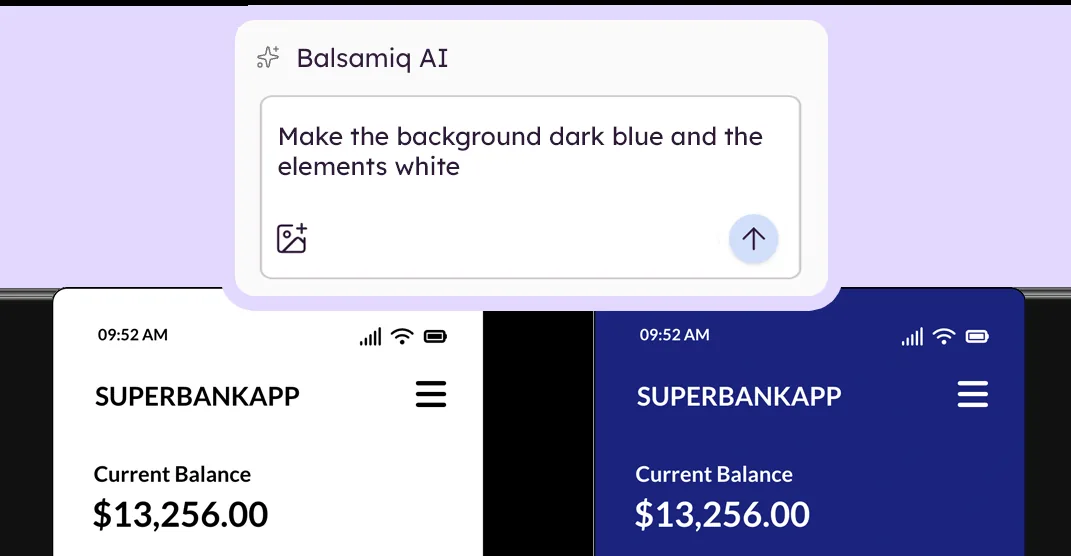
For wireframing, I care less about how impressive Balsamiq looks in a demo and more about whether it keeps change cheap while the structure is still uncertain.
In 2026 the product also added AI-assisted wireframing, screenshot and sketch conversion, prototyping, and MCP support, but the real advantage is still the discipline created by roughness.
Where it fits best
Use Balsamiq when deliberately rough, fast low-fidelity wireframes. It is particularly useful when that need is already visible in your current workflow and the team can measure whether the tool actually removes a handoff, shortens iteration, or improves the quality of the artifact.
The tradeoff
Once the structure is approved, most teams will move to another tool for final UI, design systems, and detailed visual production.
Current context: Balsamiq now supports AI-assisted wireframe generation and prompt-based editing alongside its traditional drag-and-drop workflow. Source
2. Figma Make: Best for Turning design context into functional prototypes
Product: Figma Make
Figma Make sits unusually close to the rest of the product-design workflow. You can start from a prompt, attach an existing Figma frame or design context, iterate visually, and move toward a code-backed interactive result without abandoning the design file.
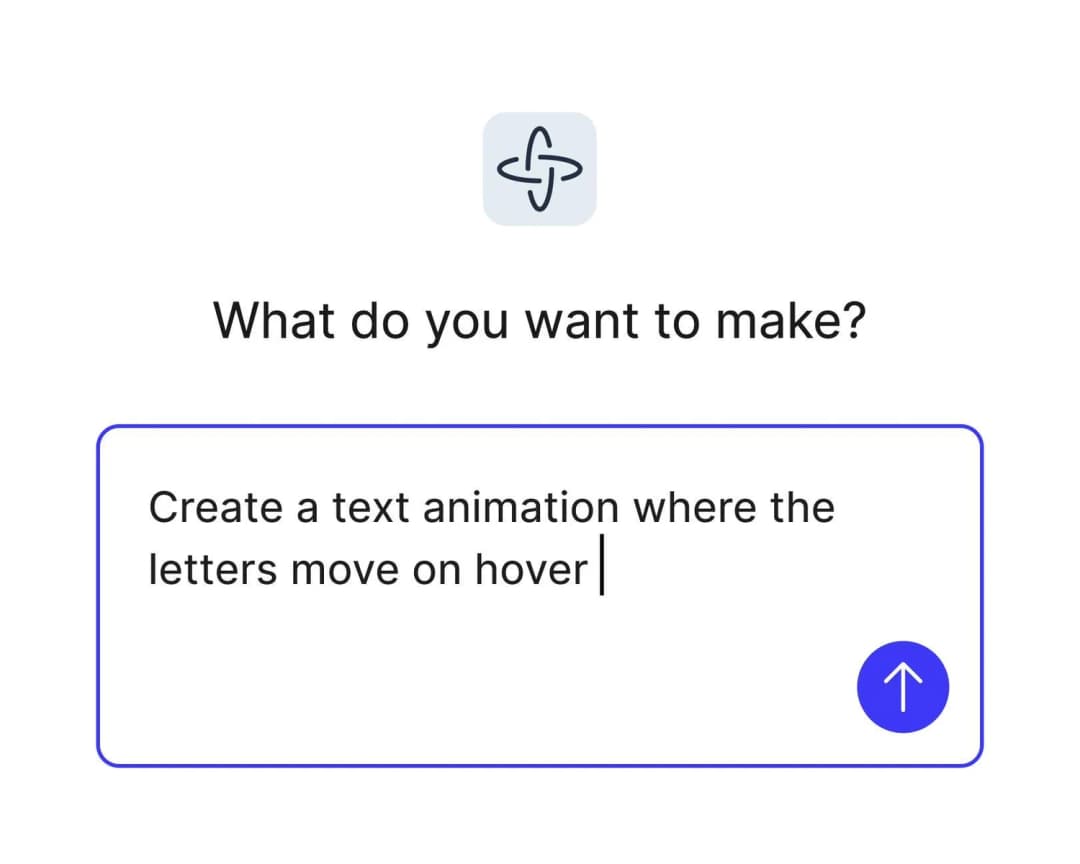
For wireframing, I care less about how impressive Figma Make looks in a demo and more about whether it keeps change cheap while the structure is still uncertain.
The strongest reason to choose it is continuity. Teams already using Figma can keep components, feedback, design context, and prototyping closer together instead of exporting an early idea into a completely separate AI builder.
Where it fits best
Use Figma Make when turning design context into functional prototypes and web experiences. It is particularly useful when that need is already visible in your current workflow and the team can measure whether the tool actually removes a handoff, shortens iteration, or improves the quality of the artifact.
The tradeoff
It makes the most sense inside a Figma-heavy workflow. If your team wants a standalone AI builder, a code-first IDE experience, or an open-source design stack, other options can feel less opinionated.
Current context: Figma says its 2026 State of the Designer research found 72% of designers now use generative AI, and 91% of designers who increased AI usage say it improves output quality. Source
3. Uizard: Best for Quick editable ui concepts for designers
Product: Uizard
Uizard is built around getting from an idea to an editable interface quickly. Autodesigner can generate multi-screen app or website mockups from plain English, and the same workspace supports themes, screenshots-to-editable-design, components, flows, and interactive previews.
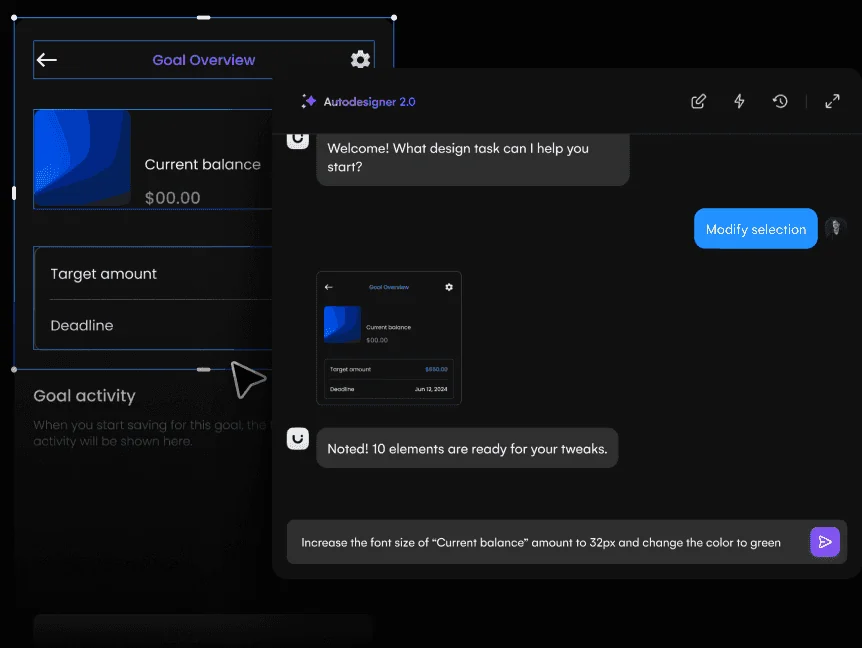
For wireframing, I care less about how impressive Uizard looks in a demo and more about whether it keeps change cheap while the structure is still uncertain.
It is particularly useful when the person shaping the product idea is not a full-time UI designer. Product managers, founders, marketers, and early-stage teams can produce something concrete without learning a dense professional design environment first.
Where it fits best
Use Uizard when quick editable UI concepts for designers and non-designers. It is particularly useful when that need is already visible in your current workflow and the team can measure whether the tool actually removes a handoff, shortens iteration, or improves the quality of the artifact.
The tradeoff
The ceiling is lower than Figma, Sketch, or a code-backed builder when you need a large design system, advanced interactions, or highly specific production handoff.
Current context: Uizard describes Autodesigner as an AI system that generates multi-screen app and website mockups from plain-English prompts. Source
4. Visily: Best for Ai-assisted ui ideation for product teams that want fast editable results
Product: Visily
Visily focuses on making UI creation accessible without turning every user into a professional interface designer. It can work from text, screenshots, and existing canvas context, and its AI features are designed to keep the result editable rather than producing a static inspiration image.
For wireframing, I care less about how impressive Visily looks in a demo and more about whether it keeps change cheap while the structure is still uncertain.
For product managers and founders, that can make it a practical middle ground between a whiteboard and a heavyweight design environment. Figma import and export also reduce the cost of bringing a designer in later.
Where it fits best
Use Visily when AI-assisted UI ideation for product teams that want fast editable results. It is particularly useful when that need is already visible in your current workflow and the team can measure whether the tool actually removes a handoff, shortens iteration, or improves the quality of the artifact.
The tradeoff
Advanced design-system work and final production handoff may still move to Figma or another specialist. Visily is most compelling in ideation and early validation.
Current context: Visily’s current paid plans include AI design instructions, Figma import/export, code export, and MCP features. Source
5. Miro: Best for Collaborative discovery, workshops, research synthesis, flows,
Product: Miro
Miro is useful when the design problem is still messy. Research notes, journey maps, service blueprints, flow diagrams, workshop voting, competitor references, and rough wireframes can live on the same board instead of being split across six documents.
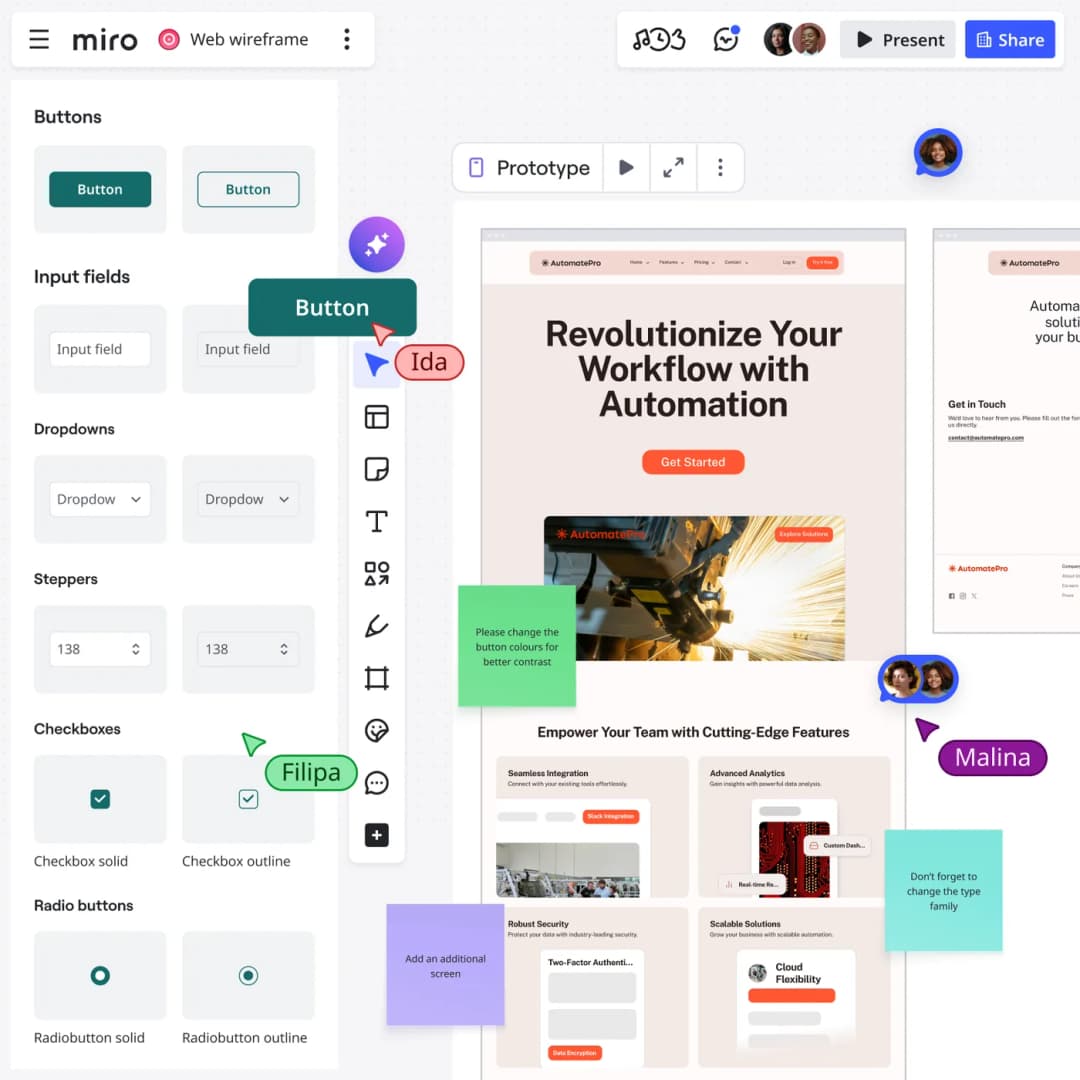
For wireframing, I care less about how impressive Miro looks in a demo and more about whether it keeps change cheap while the structure is still uncertain.
That context makes it one of the best tools for cross-functional discovery. Product, design, engineering, and stakeholders can work visibly together before the team commits to polished screens.
Where it fits best
Use Miro when collaborative discovery, workshops, research synthesis, flows, and early wireframes. It is particularly useful when that need is already visible in your current workflow and the team can measure whether the tool actually removes a handoff, shortens iteration, or improves the quality of the artifact.
The tradeoff
It is a collaboration workspace first. Once a screen needs a production-grade component system, advanced visual design, or precise handoff, most teams will move into a dedicated design environment.
Current context: Miro says more than 100 million users across 250,000 organizations use its platform. Source
6. Relume: Best for Ai-assisted website sitemaps, wireframes, component-driven page planning,
Product: Relume
Relume is focused on websites rather than general-purpose app UI. It can turn a website brief into a sitemap and structured wireframes, then move those sections into a component system that connects well with Figma and Webflow-oriented workflows.
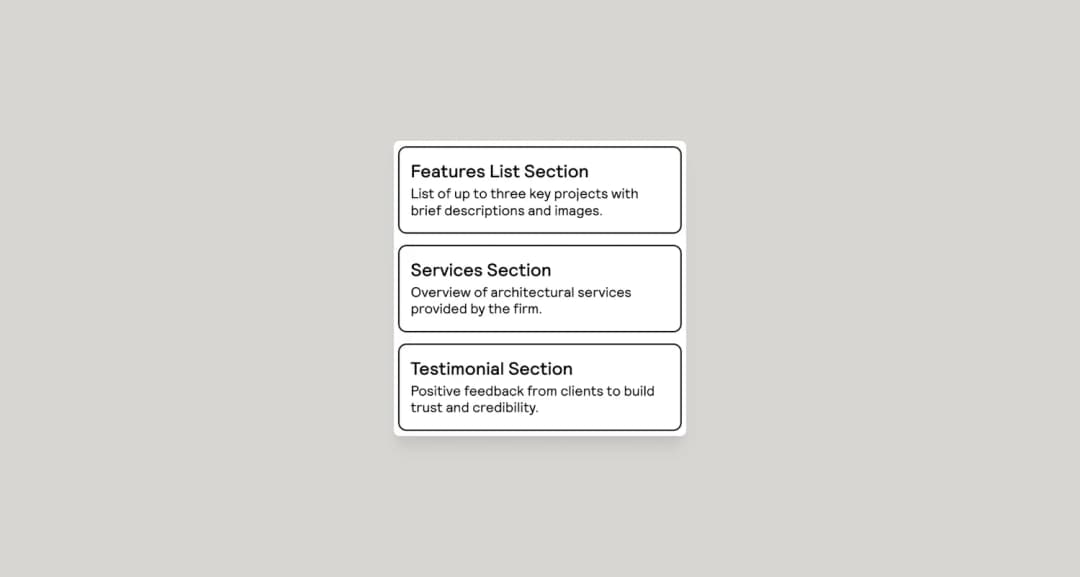
For wireframing, I care less about how impressive Relume looks in a demo and more about whether it keeps change cheap while the structure is still uncertain.
The structure-first approach is the reason to use it. It encourages teams to settle page inventory, section order, and content architecture before getting lost in visual details.
Where it fits best
Use Relume when AI-assisted website sitemaps, wireframes, component-driven page planning, and export. It is particularly useful when that need is already visible in your current workflow and the team can measure whether the tool actually removes a handoff, shortens iteration, or improves the quality of the artifact.
The tradeoff
It is not the tool for native app design or deeply custom interaction logic. Its strongest workflows are marketing sites, content sites, agency work, and repeatable website production.
Current context: Relume has been testing a 2026 Publish workflow that extends its sitemap-and-component model toward a hosted end-to-end website workflow. Source
Which One Should You Choose?
Choose Balsamiq if your priority is deliberately rough, fast low-fidelity wireframes. Choose Figma Make if your priority is turning design context into functional prototypes and web experiences. Choose Uizard if your priority is quick editable UI concepts for designers and non-designers.
Choose Visily if your priority is AI-assisted UI ideation for product teams that want fast editable results. Choose Miro if your priority is collaborative discovery, workshops, research synthesis, flows, and early wireframes. Choose Relume if your priority is AI-assisted website sitemaps, wireframes, component-driven page planning, and export.
Do not choose from the feature count alone. Pick the tool that removes the next expensive handoff in your workflow. If it only gives you a faster first draft but creates more cleanup later, the speed is mostly cosmetic.
FAQs
What is the best AI wireframing tools for most teams?
For most teams, Balsamiq is the safest starting point because it matches the central job of this list: deliberately rough, fast low-fidelity wireframes. The better answer can change quickly when your team has a strong platform, code, or workflow constraint.
Are free AI wireframing tools good enough?
Free plans are usually enough to test the workflow and judge first-result quality. The limits show up later in collaboration, AI credits, private projects, exports, version history, team controls, or production use. Test your real workflow before paying for a year.
Should AI replace the designer in this workflow?
No. AI is most useful for generating options, assembling first passes, translating structure, or automating repetitive edits. Problem framing, accessibility, product judgment, prioritization, and deciding which direction is actually right still need human ownership.
How should I evaluate these tools before buying?
Use one small real project. Give every candidate the same brief, the same existing assets, and the same correction request. Compare the second and third iterations, not just the first output. That exposes workflow friction much faster than a feature checklist.
Final Thoughts
The best AI wireframing tools is the one that makes the next decision cheaper. For this list, Balsamiq is the strongest default, but the specialist options become better as soon as your constraint becomes specific. Match the tool to the output, handoff, and level of fidelity you actually need. That is how you get speed without simply moving the work somewhere else.
If you need help turning a prototype into a polished digital experience, explore Omnix Studio’s website UI/UX design and mobile app UI/UX design services.